
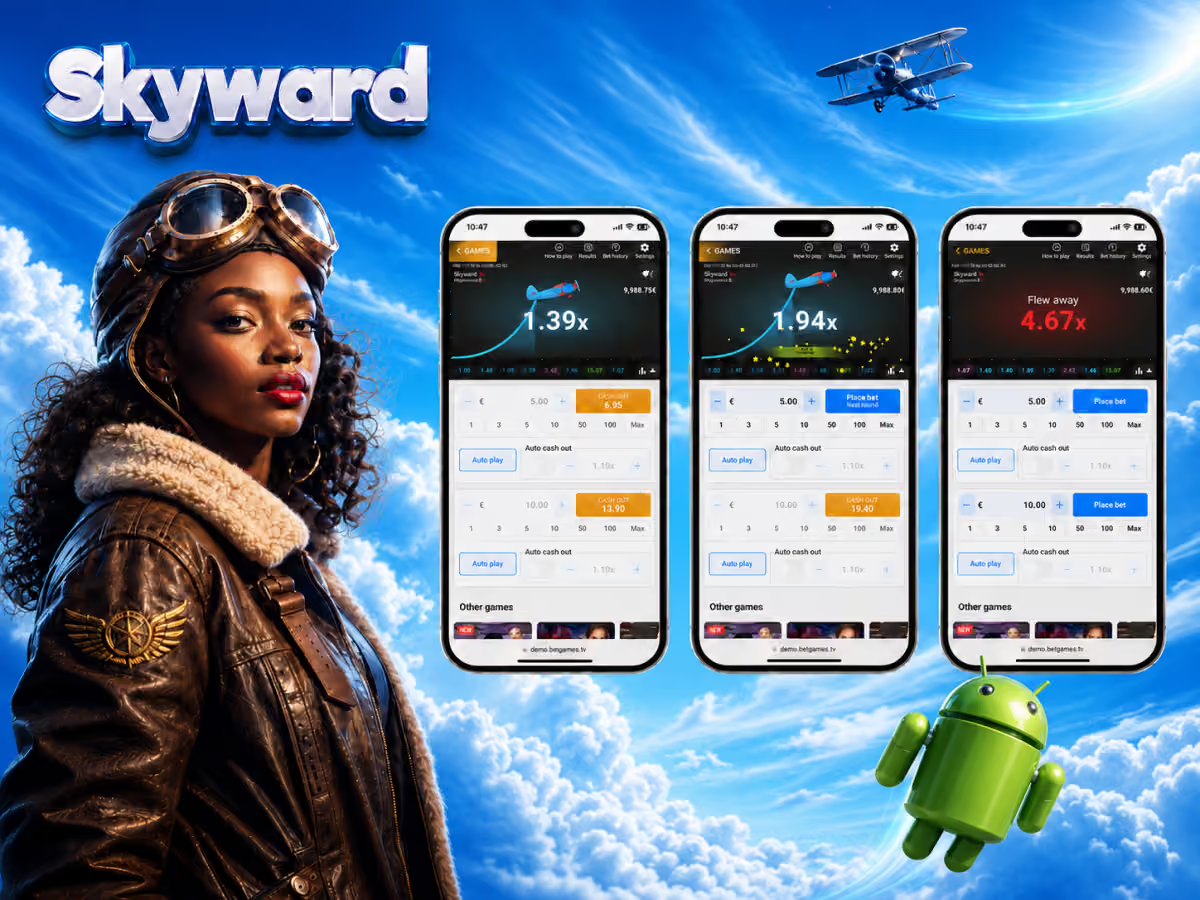
Does Skyward require a download?
No. Skyward itself runs entirely in a web browser — no separate APK, no App Store download, no plugin. The game is embedded within each operator's casino platform and loads directly when you navigate to it.
What you do need is access to an operator's app or mobile website. Hollywoodbets, Betway, YesPlay, and 1win all offer dedicated Android and iOS apps. Lotto Star and JackpotCity are accessible through their mobile-optimised websites. In all cases, Skyward is playable with no additional installation beyond the casino app itself (which is optional — their mobile websites work equally well).
Playing Skyward on Android
Via Hollywoodbets app
Download the Hollywoodbets app from Google Play or from the Hollywoodbets website. Navigate to Spina Zonke → BetGames → Skyward. Minimum deposit R25 via instant EFT.
Via Betway app
Download from Google Play or Betway's website. Crash Games section → Skyward. Full functionality including dual bet and auto cash-out.
Via mobile browser
Chrome or Firefox on Android. Navigate to the casino website, log in, and launch Skyward. No download required. Works on Android 8.0 and above.
- 1
Download your operator's app (optional)
For Hollywoodbets: search "Hollywoodbets" on Google Play or download the APK from their official website. For Betway: search "Betway" on Google Play. Both apps are free. If you prefer not to install an app, skip this step and use the mobile browser instead.
- 2
Log in or register
Open the app or navigate to the casino's mobile website. Log in if you have an existing account. New to the platform? Registration takes 2–3 minutes and requires your SA ID number and a valid email address.
- 3
Deposit and navigate to Skyward
Use instant EFT for immediate access. Search "Skyward" in the casino's game catalogue or navigate to BetGames → Crash Games. The game loads within 3–5 seconds on a standard SA 4G connection.
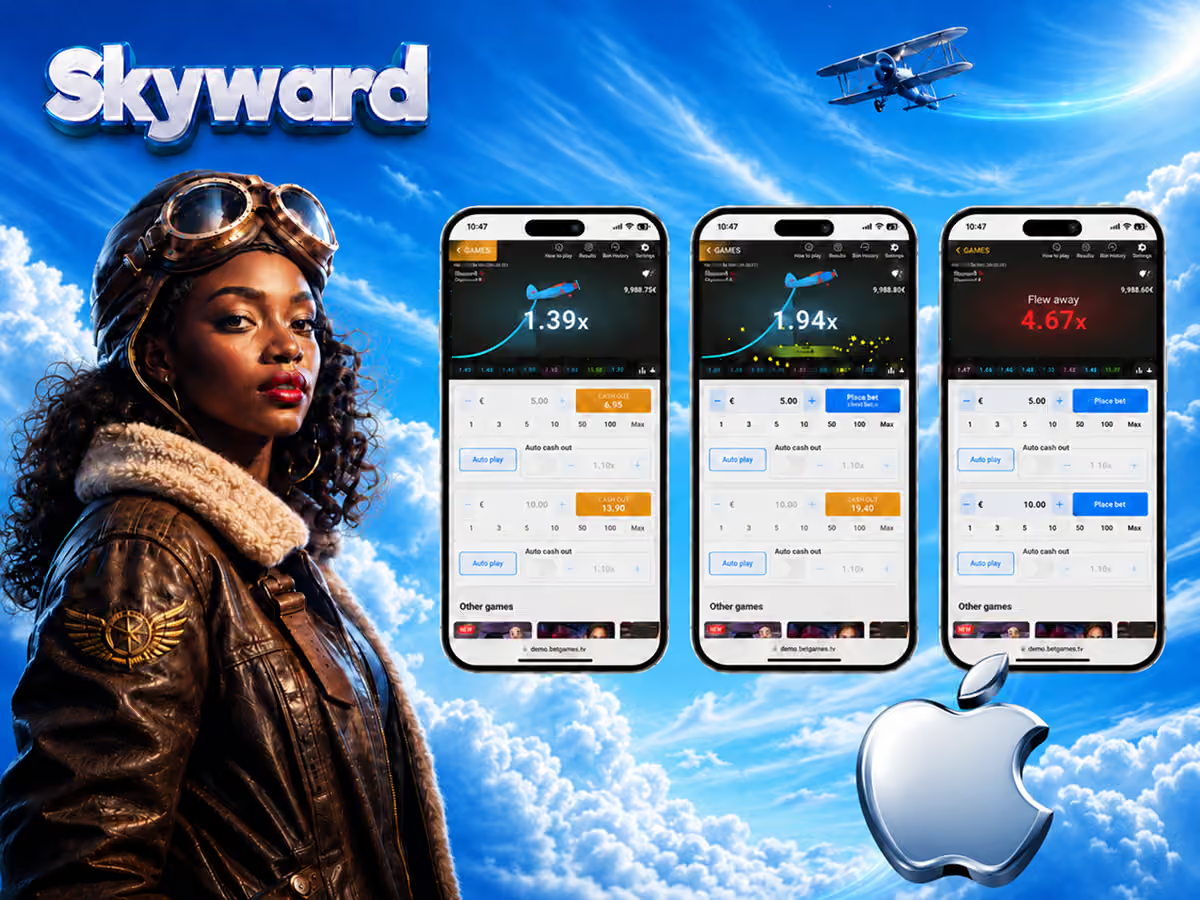
Playing Skyward on iPhone (iOS)
iOS access to Skyward works through Safari or any iOS browser, or through the Hollywoodbets and Betway apps available on the App Store.
Hollywoodbets iOS app
Available on the App Store. Search "Hollywoodbets." Full Skyward access through Spina Zonke. Supports Face ID login for faster session start.
Betway iOS app
Available on the App Store. Crash Games section includes Skyward. Works on iOS 14 and above. Full dual bet and auto cash-out support.
Mobile Safari
Navigate directly to any Skyward-compatible casino in Safari. No app needed. iOS 15+ recommended for best performance. Works on 4G and WiFi.
Data usage and performance on SA connections
Skyward is optimised for mobile data. A typical session of 60 minutes uses approximately 20–40 MB of mobile data — comparable to browsing social media. The game's interface is deliberately lightweight.
On a stable 3G connection, Skyward performs without noticeable issues. On 2G or severely congested networks, the bet confirmation may lag — which matters for manual cash-out timing. In these conditions, using auto cash-out eliminates latency as a variable in your strategy.